Windows 11 versions

With Windows 11, Microsoft released six different versions of the operating system for different application areas.

  • Windows 11 Home
  • Windows 11 Pro, Pro for Education & Pro for Workstation
  • Windows 11 Education
  • Windows 11 Enterprise (full version)
  • Windows 11 IoT Enterprise LTSC

Windows 11 Home vs. Windows 11 Pro

The Home version of the new Windows operating system is the basic version of the various editions and includes all standard functions such as Microsoft Edge, the new Store, desktop management, input methods, widgets and much more.

The Windows 11 Pro versions, like the Home version, contain all the standard functions with a few additional features specially developed for companies. This includes BitLocker, for example, which can be used to encrypt data if the device is stolen or a data leak occurs.

Windows 11 IoT Enterprise

This version of Windows 11 contains all the functions of the classic Enterprise version, but is also specially developed for embedded devices. It offers many innovations that focus on improving the end user’s flexible and fluid experience. Windows 11 IoT Enterprise is designed to be the most reliable, secure, connected and powerful Windows operating system.

This operating system is based on Windows 10 IoT Enterprise, so the investments made in tools for update and device management will continue. Most accessories and associated drivers that work with Windows 10 IoT Enterprise will also work with the new Windows 11 IoT Enterprise.

Windows 11 IoT Enterprise LTSC

Windows 11 IoT Enterprise LTSC provides a stable and long-term supported platform with a support cycle of up to 10 years, making it ideal for critical and immutable applications. It focuses on security updates and critical fixes, without the frequent feature updates found in other versions of Windows.

This stability and predictability are particularly important for industrial control systems, medical devices and other embedded systems that need to function reliably over a long period of time. The LTSC version minimizes downtime and interruptions due to updates, making it an optimal choice for environments that require continuous uptime. It also offers the familiar Windows security and management functions that enable simple integration and management in existing IT infrastructures.

Windows IoT for spo-comm Mini-PCs

Windows 11 vs. Windows 10: Comparison

Apart from a few new features, Windows 11 is very similar to Windows 10, just a little prettier, for example through the visual customization of the icons or the start menu. However, there are more than enough new functions in Windows 11:

From a new start menu and taskbar design to a new widget area and snap groups that allow you to design and set up your screen more flexibly than ever before. The new Windows 11 has new features for every area of interest. Even if the new start menu is quite reminiscent of the macOS operating system, it is still clearer and also displays recently used files. Further adjustments have been made to the Microsoft Store, the Microsoft Teams app (which is now installed by default) and the layout on tablets.

System requirements for Windows 11

With Windows 11, Microsoft places high demands on devices; the operating system can only be installed on processors manufactured from 2016/2017 (for Intel PCs from the 8th Pentium and Atom chips).

Further minimum requirements are:

  • 4 GB RAM
  • 64 or more GB memory
  • UEFI system firmware
  • Trusted Platform Module(TPM) Version 2.0
  • Graphics card compatible with DirectX 12 or higher
  • High-resolution screen (720p), diagonal >9 inches and 8 bits per color channel

Windows 11 also requires a Microsoft account, which was not necessary for previous versions.

Of course, some of our Mini-PCs are compatible with Windows 11. If you have any questions, please do not hesitate to contact us.
The abbreviation HDMI stands for “High Definition Multimedia Interface”. As with DisplayPort, it is a digital interface for the transmission of high-resolution video and audio signals. 

Good to know: What is DisplayPort?


Applications of HDMI

HDMI is mainly used in consumer electronics to connect DVD players, laptops or computers to televisions or monitors.


HDMI-Out and HDMI-In

Even if they look the same, a distinction is made between HDMI input and output. The HDMI output is the port on the device that transmits the content. (e.g. computer, console, etc.) 

The HDMI-In port, however, turns the tables: as the name suggests, it is an input, i.e. it is in the device that receives the content. (e.g. screens) 

However, there are always HDMI-in ports on computers, such as on our ONE i5. An HDMI-in port on a computer essentially works like an HDMI input on a TV or monitor, with the difference that it can receive content from external devices such as games consoles, Blu-ray players or video cameras. 

Discover the ONE i5


What versions does HDMI have?

In order to keep pace with constantly advancing technology, the HDMI interface has been continuously developed. The various specifications, which amount to a total of 13, have confused many buyers over the years. We also want to keep it short and therefore only go into the most important updates to the interface:

  • The first HDMI standard 1.0 was published in 2002 and provided a maximum data rate of 4.95 gigabit/s and a maximum image resolution of 1920 x 1080 pixels.  
  • It was not until version 1.3 in 2006 that the image resolution was increased to 1560 x 1440 pixels. Furthermore, a new connector type, namely HDMI type C, was introduced to the market with this version.  
  • The next update came in 2009 with version 1.4, which offers a maximum picture resolution of 3840 x 2160 pixels, i.e. 4K.
  • The latest version of HDMI is HDMI 2.1b, which came onto the market in 2023 and includes general corrections, clarifications to improve interoperability and the incorporation of errata – a maximum picture resolution of 8K is now possible.


What do the designations for HDMI cables mean?

In order to create a clearer and more comprehensible labeling of the cables, they are no longer marked with the version number (1.0, 1.4, etc.), but are divided into four speed classes:

  • HDMI standard: The transmission rate of up to 2.25 Gbit/s enables a resolution of 720p or 1080i at 60 Hz. Supports HDMI versions up to 1.3.
  • HDMI High Speed: Resolution of 2160p at 30 Hz. Supports all versions up to 1.4.
  • HDMI Premium High Speed: Resolution of 4096p at 60 Hz. Supports versions up to 2.0.
  • HDMI Ultra High Speed: Resolution of up to 8K@60Hz. Supports all versions up to 2.1.


Advantages of HDMI

With the help of HDMI, picture and sound can be transmitted via a single cable, making it much easier to connect AV devices. It also means that there is no need for an additional audio connection, which is particularly beneficial for our smallest mini PCs. HDMI also offers excellent quality, can transmit 4K and 3D content and supports surround sound.

Team Day 2024 – Goals, pizza and pasta

Like last year, the event took place on 22.03. the spo-comm team day took place at our headquarters. Our CEO Michael Sporrer kicked off the event with a short presentation in which, among other things, upcoming changes were announced and our targets for the year were underlined once again. 
Afterwards, we started our afternoon together with delicious dishes from L’Osteria and had lively discussions as well as good and amusing conversations.

Finally – the CORE 3 is here

As already teased in the last “What’s New?” article, nobody has to live without CORE – now the time has come, the CORE 3 is available!
The CORE 3 is characterized in particular by its slim housing, which measures just 36mm x 147mm x 165mm and offers a wide range of connection options. With 3 DisplayPorts, two audio outputs, six USB interfaces, as well as two LAN and one COM RS232/422/485, it is a true genius when it comes to connectivity.
Whether digital signage, industrial control or as a thin client: the CORE 3 is your constant companion – it is also equipped with an Intel® Core® i3-N305 CPU with 8 efficiency cores with up to 3.8 GHz.

Discover the CORE 3

Three, two, ONE – spo-comm product innovations

Very soon there will be more movement in our product portfolio – three spo-comm Mini-PCs will be joining our range. With this new product category, we want to create an affordable entry-level series in the Mini PC world. More information will follow soon.

What is an IP address?

An IP address is an individual identifier that makes it possible to identify a specific device within a network , whether locally or on the Internet. Similar to telephone numbers or car license plates, it is used to localize the location of a device and make it accessible for communication purposes.

The Internet Protocol (IP) defines the rules according to which data is sent via the Internet or local networks. It determines the format of this data and thus ensures a smooth exchange between different devices.


Types of IP addresses

IP addresses can be divided into different categories. On the one hand, there are public and private IP addresses. Public IP addresses are uniquely identifiable on the Internet and enable communication between devices via the World Wide Web. Private IP addresses, on the other hand, are used for internal communication within private networks and cannot be accessed directly from the Internet.

Furthermore, there are distinctions between IPv4 and IPv6 – v4 or 6 simply stands for version4 or version6. IPv4 uses a 32-bit address and thus enables around 4.3 billion unique addresses. However, due to the exponential increase in networked devices, IPv4 is reaching its limits, which is why the newer IPv6 with its 128-bit addresses was developed to meet this demand.

IP addresses can also be static or dynamic. Static IP addresses remain unchanged and are permanently linked to a specific device, while dynamic IP addresses can be reassigned as required.


The connection to the MAC address

In addition to the IP address, each network device also has a so-called MAC address (Media Access Control). It is firmly anchored in the hardware of the device and is used to uniquely identify it in the local network.

The connection between IP address and MAC address is that the MAC address operates on the physical level, while the IP address operates on the logical level of the network. When a device sends data, the IP address is used to identify and localize the target device. The corresponding MAC address is then used to transmit the data on the physical level of the network.

IP addresses are therefore the backbone of modern digital communication. They make it possible to connect devices with each other, exchange data and use the Internet. The connection to the MAC address ensures smooth transmission of information in the network. 


More spo-comm knowledge

What is a MAC address?

MAC stands for Media Access Control. A MAC address is a unique identifier that is assigned to each network device. This address, which consists of a 48-bit number combination, uniquely identifies each network interface in a network. The MAC address is usually displayed in hexadecimal form, which means that it consists of numbers and letters. Interestingly, the MAC address is divided into two parts: The first 24 bits identify the manufacturer of the device, while the remaining 24 bits identify the individual device.

(https://de.wikipedia.org/wiki/MAC-Adresse) 

What are MAC addresses used for?

MAC addresses play a decisive role in networks. In order to receive a signal from another device, the receiving device must have a unique MAC address. Without this, the data sent would come to nothing. The MAC address is therefore to be understood analogously to a house number, which enables the resident to receive mail. In addition, network administrators can use MAC addresses to control access to the network. By authorizing or blocking certain MAC addresses, you can ensure that only authorized devices can access the network. This improves network security by preventing unauthorized access.


How do I find the MAC address of my device?

It is relatively easy to read out the MAC address of your device; this is usually written on the inside of the network sockets. The method of reading the MAC address from the software varies depending on the operating system:

  • Under Windows, you can find the MAC address in the “Status” of a network connection on the “Network support” tab in the “Details” or use the “ipconfig/all” command in the command line.
  • Under Linux, execute the command “ifconfig” in the terminal to see the “HWaddr” (hardware address).
  • On a device with Mac OS, you can either use the “ipconfig” command in the terminal or find the MAC address in the “Network” area of the system settings.

In summary, it can be said that MAC addresses play an essential role in communication between devices in e networks, whereas on the Internet, devices are mainly identified via IP addresses   .


MAC addresses at spo-comm

With regard to your order with spo-comm, we can provide you with the MAC addresses for your order on request. 

Get in touch with us 

New year, new product category – the SQUARES

The year 2024 marked the start of a new product category for us. An 18″ and a 21″ panel PC have also been available in our spo-comm product portfolio since January. 

Both the SQUARE 18  and the SQUARE 21  shine above all with their customizable CPU (an Intel® Coreâ„¢ i3-1115G4E or Intel® Celeron 6305E CPU), which is supported by up to 32GB DDR4 RAM and up to 2TB of M.2 NVMe SSD is supported.  With their 18″ or 21″ multi-touch display and wide range of connections, our fanless panel PCs are ideal for use as digital signage players and at the PoS in retail.

Tablet & Panel PCs from spo-comm 


Bye bye CORE 2 – EOL for our digital signage player

After almost four and a half years, it’s time to say goodbye to our ultra-compact digital signage mini PC. Unfortunately, the CORE 2 is no longer available from us.

But of course we can’t do anything without CORE – the successor to our all-time DS star is already in the starting blocks and has already been christened “CORE 3”.


Space for something new – price reduction at KUMO, BRICK & Co.

A few of our PCs will soon have to make room for new models, so we are reducing the prices! 

The following models are now available at a reduced price:

We encounter countless electronic devices in modern industry and in everyday life. Whether controllers in production, outdoor lighting or robust mini PCs for the control cabinet – they all have to function reliably, even under demanding conditions. This is exactly where IP protection classes come into play. They indicate how well a device is protected against the ingress of dust, dirt and water.

What does IP mean?

The letters “IP” in the IP protection class stand for “Ingress Protection” or “International Protection”.

  • Ingress Protection describes the degree of protection of a device against the ingress of foreign bodies and liquids.
  • International Protection indicates that these types of protection are defined worldwide according to standards (IEC 60529).

The IP classification ensures that manufacturers and users can objectively compare the resistance of devices, regardless of brand and model.

Structure of the IP protection class

It consists of two digits:

First digit (0-6) – Protection against solid foreign bodies: dust, dirt, contact.
Second digit (0-9K) – Protection against water: dripping water, splashing water, water jets or submersion.

For example: IP65

6 = dust-tight ; 5 = protection against water jets from all directions

This combination indicates that the device is both fully protected against dust and resistant to water jets that hit the device from any direction.

Protection against solid foreign bodies (first digit)

DigitProtection class
0No protection
1Protection against solid foreign objects >50 mm
2Protection against solid foreign objects >12.5 mm
3Protection against solid foreign bodies >2.5 mm
4Protection against solid foreign bodies >1 mm
5Dust-protected (limited ingress possible)
6Dustproof

Protection against water (second digit)

DigitProtection class
0No protection
1Drip water protected
2Protection against dripping water falling at an angle
3Protection against water spray
4Protection against splashing water from all directions
5Protection against water jets
6Protection against strong water jets
7Protection against temporary submersion
8Protection against permanent submersion
9KProtection against high-pressure/steam jet cleaning

Typical applications of IP protection classes

  • IP20: For dry indoor areas such as offices or server rooms.
  • IP44: Suitable for workshops or bathrooms, protection against splashing water.
  • IP65: Ideal for outdoor areas, warehouses and industrial production environments as it resists dust and water jets.
  • IP68: For underwater devices or applications with permanent exposure to liquids.

The correct selection of the IP protection class ensures that devices function reliably under the respective environmental conditions and that the failure rate is minimized. Denios has explained the applications for IP protection classes in more detail in an article.

Why IP protection classes are important

The IP classification is not just a marketing label – it is a decisive criterion when selecting devices:

  • Durability:
    Devices that cannot withstand environmental stress wear out more quickly.
  • Safety:
    Electrical devices that are damaged by water or dust can cause short circuits or failures.
  • Planning security:
    IP classes enable an objective selection of devices for specific areas of application, whether in industry, outdoors or in medical facilities.

IP protection classes for industrial PCs and control cabinet PCs

IP protection is particularly important in industry:

  • Control cabinet PCs are often operated in harsh environments where dust, vibrations or splash water occur.
  • Robust enclosures, often with DIN rail mounting, reliably protect electronics.
  • IP65 or higher is common for devices that are used directly in production lines.

This enables companies to ensure that their control systems, machine PCs or industrial tablets work permanently and reliably – without the devices being damaged by external influences.

Conclusion and spo-comm products with IP protection classes

IP protection classes provide a clear, standardized indication of how well a device is protected against dust and water. Whether for private, commercial or industrial use – choosing the right IP class is crucial for the safety, reliability and service life of electronic devices. Particularly in areas such as industrial PCs, control cabinet PCs or outdoor applications, users should always pay attention to the right protection class in order to avoid expensive failures.

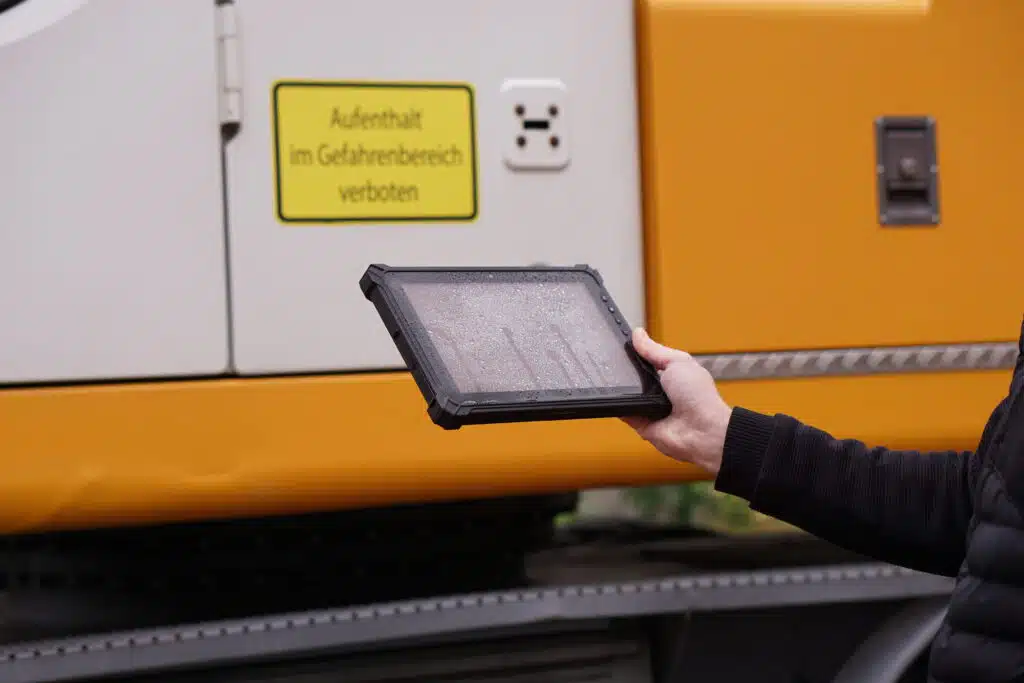
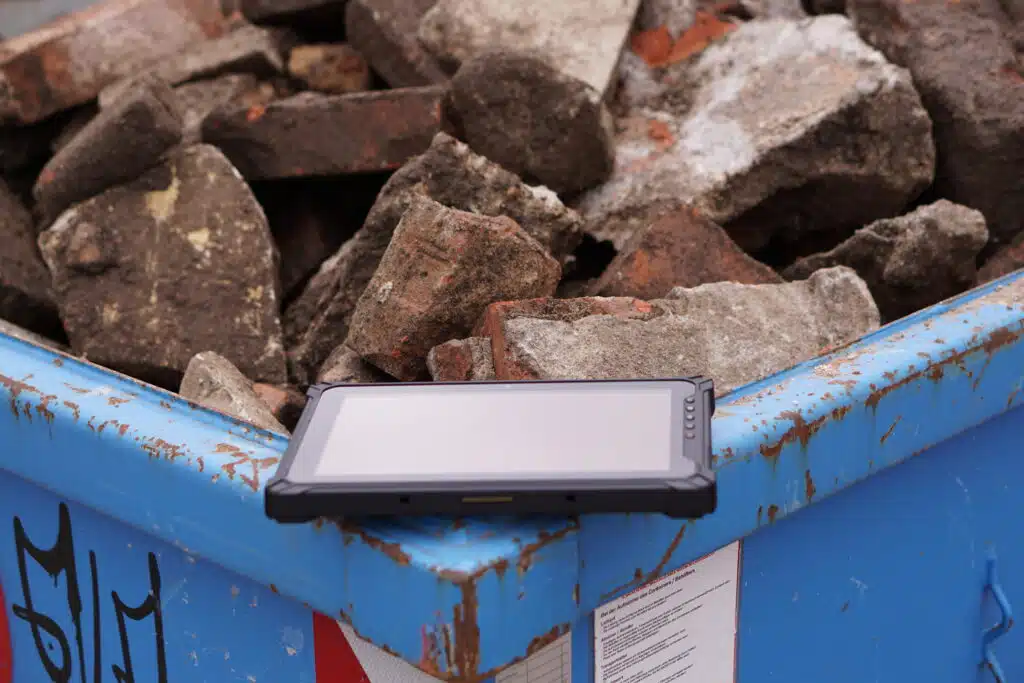
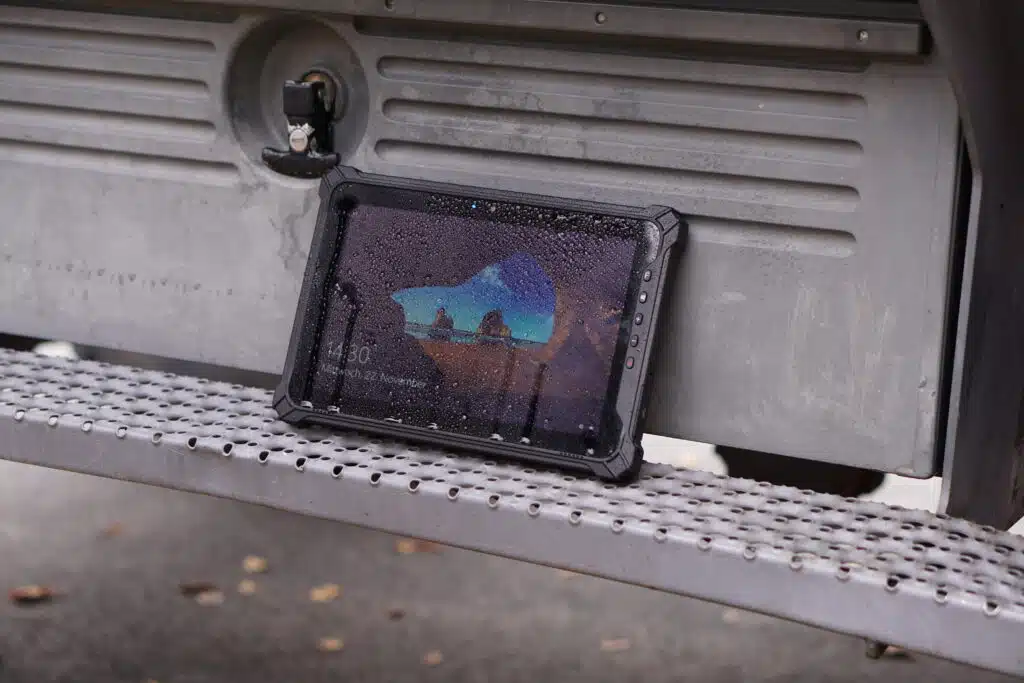
Keywords such as IP protection class are no longer a rarity in our product portfolio either; the SQUARE 18, SQUARE 21 and our RUGGED tablets, for example, are IP 65 dust and water-protected. In addition, some RUGGED tablets are even MIL-STD-810G certified. This certification is a US military standard that defines the suitability of equipment for use in military applications.

The BOX N4100 becomes the BOX N6211

We say goodbye to our smallest Mini-PC, the BOX N4100. But her successor is not long in coming. In terms of design, basically nothing has changed here, but there are small but significant changes in terms of technical data. The BOX N6211 comes with an Intel® Celeron® N6211 CPU, 8GB integrated RAM and a 128GB eMMC SSD. Like its predecessor, the new BOX N6211 is ideal for digital signage applications thanks to its various interfaces.

More about BOX N6211 

Configure the BOX N6211


spo-comm team event

It’s that time again, just like last year in June, we are organizing a team event again this year.
Our teams update each other on the latest developments and we take new employee photos. Afterwards, we will end the afternoon in a relaxed atmosphere by taking advantage of the good weather, firing up the barbecue and reviewing the last six months together.
Preparations for this are currently in full swing and we are looking forward to a great day together and good conversations!
For this reason, we are unfortunately not available for you on Thursday, 22.06.23!

We are ISO-certified again!

At spo-comm’s Nuremberg headquarters, the ISO audit, which ensures that companies comply with certain quality standards, was on the agenda this spring. This was again successful in 2023. We have already explained exactly what this ISO certification is in an article at .  

The ISO certification


Rollout of the high-octane 2023

On Wednesday, 03.05. our two trainees Patricia and Maxim have completed this year’s rollout of the
High-Octane Motorsports
where the new racing car for the 2023 season was presented. Some of our student assistants are active members of this student association at FAU Erlangen.  

As a proud sponsor, we as spo-comm were also immortalized on the new FAUmax Pi along with many other sponsors!  

The Octanes enjoy a new KUMO VI, which is installed in the FAUmax PI and is responsible for autonomous driving.


Discover the KUMO VI


spo-comm team event on 22.06.2023

After a long pandemic break, an event for the entire spo-comm team is finally taking place again this year.  

On Thursday, 22.06.2023 we are therefore unfortunately not available for you!

End of Life: WINDBOX III Evo becomes III Ultra

We presented the latest system in the WINDBOX series at the beginning of March. The WINDBOX III Ultra now replaces the WINDBOX III Evo. Like its predecessor, the model was developed for use in industrial environments. But the WINDBOX III Ultra can also score points in the digital signage sector with its 2 HDMI and 2 DisplayPorts.  

About the WINDBOX series:

The models in the WINDBOX series are all true all-rounder PCs. These systems were developed in collaboration with the Taiwanese industrial PC manufacturer MSI IPC. Thanks to the passive cooling, slim design and powerful processors, these mini PCs can be used in industry or logistics as well as in the digital signage sector.

Configure your WINDBOX III Ultra

Windows 10 Pro is no longer available

Windows 10 Pro (version 21H2) is also no longer available in our online store. The last security updates for this version will be available on June 13, 2023 and it can no longer be purchased.

If you want to equip your system with an operating system, we have the following options for you in our store:

  • Windows 11: Some of our systems can be equipped with Windows 11, including WINDBOX III Ultra, KUMO VI, MOUNT Silver, NINETEEN Q370, BOX J4125, CORE 2 and RUGGED Ryzen
  • Windows 10 IoT: If you want to equip your mini PC with a customizable operating system, Windows 10 IoT is the right choice.

More about Windows 10 IoT

 
Do you have questions about our operating systems? Then please contact our customer advisors, who will be happy to help you.