
Modern IoT and embedded devices are increasingly exposed to attacks, both via networks and locally. Windows IoT Enterprise LTSC protects devices through a combination of hardware and software mechanisms that have been specially developed for industrial requirements.
Secure Boot ensures that only certified software is loaded at system startup. Unauthorized applications or manipulations to the boot process are blocked.
This function allows only trusted applications to be executed. This prevents malware or unwanted programs from running on the device.
Mainly describes the function of tailoring your Windows operating system to your needs through specific restrictions (see also our article on customizing). At the same time, this also means an increased security factor for your operating system. For example, Advanced Lockdown offers you the option of only allowing certain programs to perform operations on your computer. Conversely, this means that unwanted malware or software is not given the opportunity to nest in your PC in the first place. How to Lockdownfeatures: MicrosoftLearn
The lockdown also includes the following security functions:
Indispensable when it comes to write protection of hard disks. This means that the Unified Write Filter does not allow any changes to the hard disk and the files and programs stored there. Changes are only stored temporarily in the RAM memory. After restarting the operating system, everything is back to normal.
Deny USB and other peripheral devices access to your computer
A TPM is a chip integrated into many systems that makes it possible to encrypt the hard disk. The TPM also makes it possible to identify any hardware in the system. This also enables the chip to detect changes in the system.
Encryption of your drives/hard disks. Also enables the secure deletion of data. This makes it much more difficult to recover deleted data (useful, for example, when discarding old computers).
EDP protects data from unwanted access or leaks, for example via cloud or email services.
Biometric login via fingerprint, face or iris enables secure and fast access.
Protects access data from malware and unauthorized access. This keeps company and customer data protected.
With Windows IoT Enterprise LTSC, users benefit from comprehensive device and data security combined with adaptability for industrial and IoT applications. The combination of Secure Boot, Device Guard, UWF, TPM, BitLocker and biometric login ensures the highest level of protection.
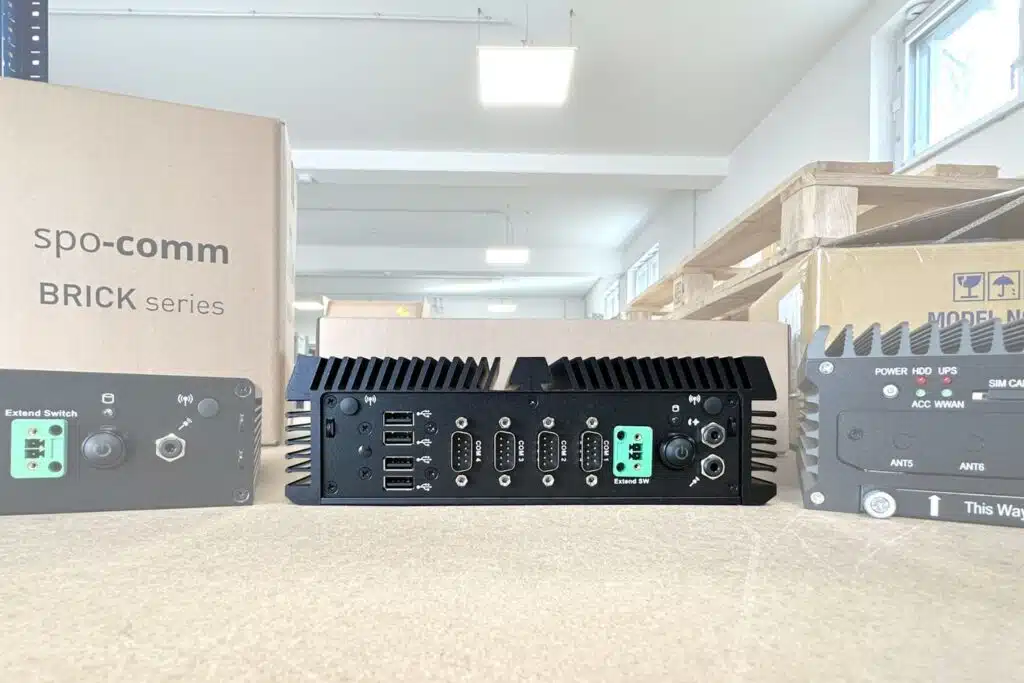
If you are not sure whether Windows IoT Enterprise is right for you and your application, we can provide you with a free trial of the desired PC with a Windows IoT test version at any time. If you have any questions about the compatibility of different Windows versions with our systems, please do not hesitate to contact us!

The Windows IoT Enterprise licensing policy is clear, but specifically designed for industrial devic...
We have already explained the advantages of Windows IoT Enterprise. In this article, we will look at...
After looking at the Internet of Things and the variants of Windows IoT Enterprise in the first arti...
You need to load content from reCAPTCHA to submit the form. Please note that doing so will share data with third-party providers.
More Information