
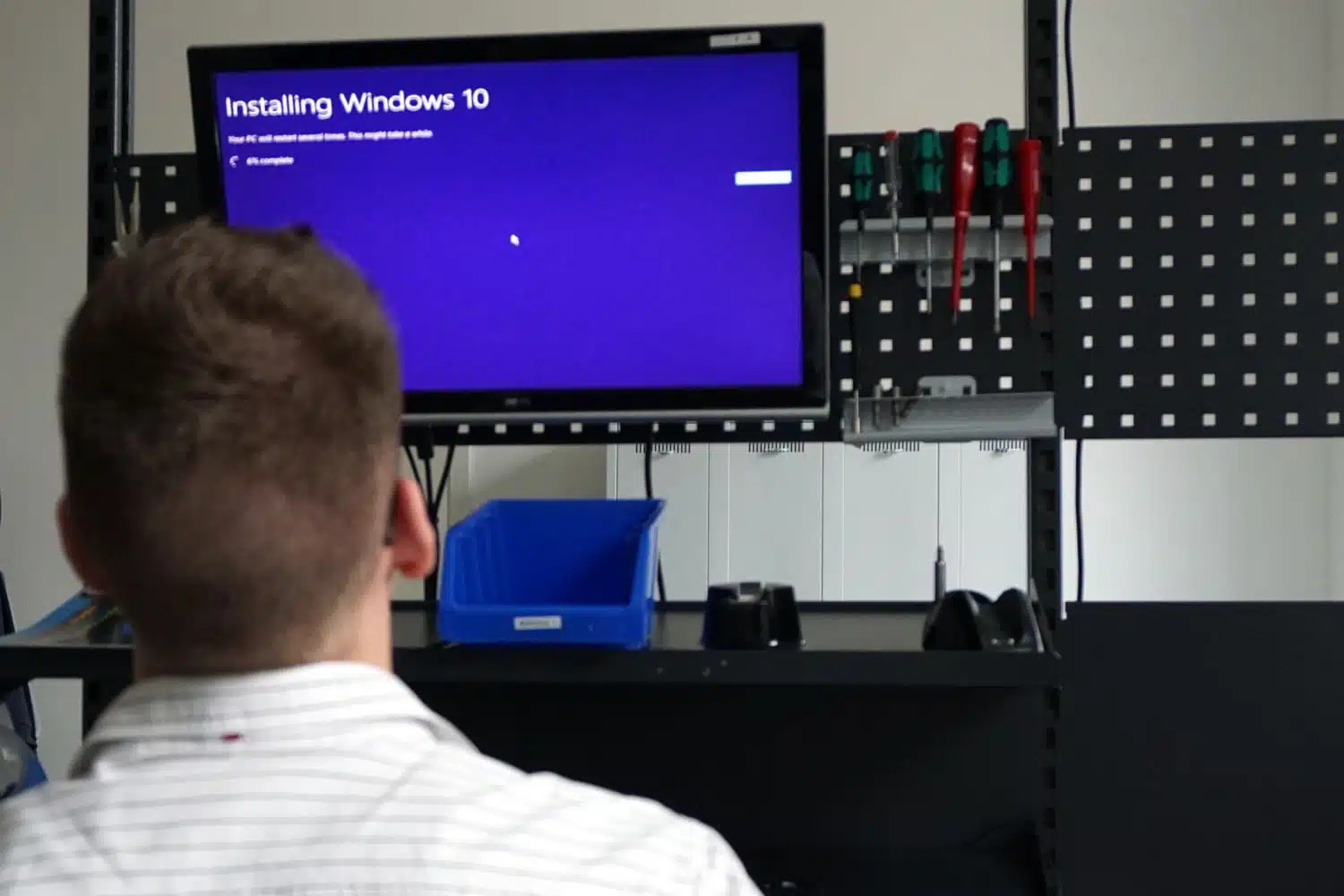
In this context, lockdown is not a journey back in time to 2020, but rather a Windows IoT operating system that can be adapted to your own needs with the help of targeted restrictions. In the following, we will explain the lockdown features that are used to customize the operating system. We explain the features that ensure greater security here.
Lockdown describes the targeted restriction of the operating system. This is particularly important for single-function devices, i.e. devices that are only intended to perform a specific task, such as kiosk terminals, POS systems or digital signage players.
The lockdown mechanisms can be used to hide user interfaces, configure automatic processes and deactivate unwanted functions. This keeps the system stable and secure while the desired application runs in the foreground.
With Unbranded Boot, all Windows elements can be hidden at system startup, e.g:
Errors are logged in the background so that maintenance can be carried out easily. This feature ensures that users only see the desired application and at the same time protects the system from unwanted interventions.
Embedded Log-on allows you to customize the login screen:
Devices can thus be configured so that they are immediately ready for operation without users seeing administrative functions.
The Shell Launcher allows a defined application to be started automatically instead of the Windows desktop. For example, a user account runs on a specific application shell or an administrator account keeps the classic desktop interface.
You can also define how the system reacts to crashes, whether with a restart, shutdown or no action.
Assigned Access extends the principle of the Shell Launcher and is particularly relevant for individual applications:
This means that devices such as kiosk systems or POS terminals can be configured in a particularly secure and user-friendly way.
Another customizing feature is the adaptation of OEM information such as manufacturer name and model designation, the company logo or support information (phone number, website, service times). This allows devices to be fully adapted to the corporate branding, which is a major advantage in a professional environment.
The LTSC versions (Windows 10 IoT Enterprise LTSC 2021 and Windows 11 IoT Enterprise LTSC 2024) form the stable basis for these customizations. They offer long-term security updates, guarantee stability over many years and enable extensive customizing options without the risk of malfunctions.
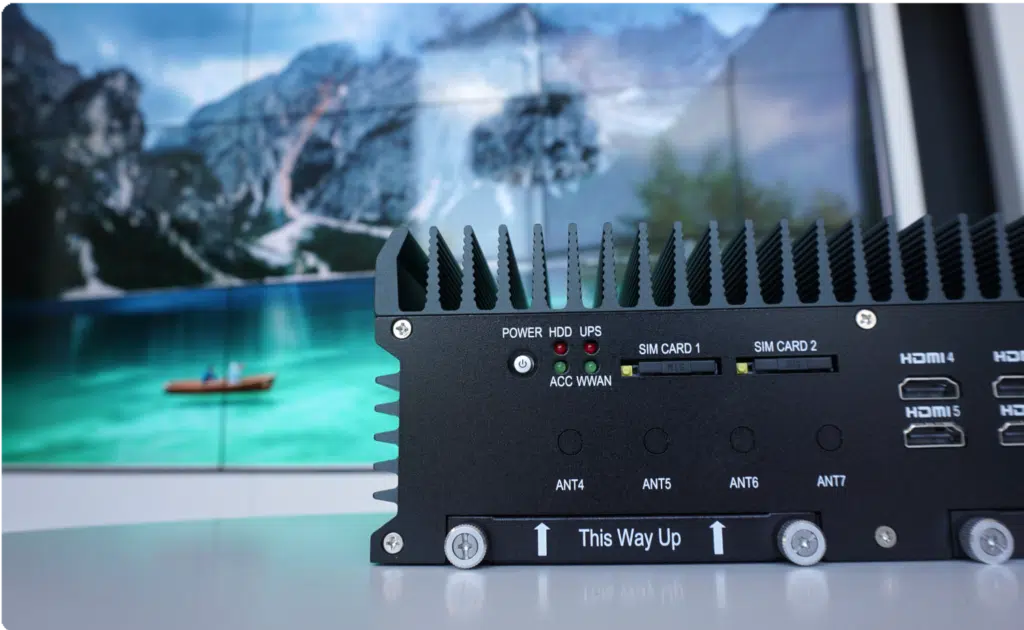
If you are not sure whether Windows IoT Enterprise is right for you and your application, we can provide you with a free trial of the desired PC with a Windows IoT test version at any time.
After looking at the Internet of Things and the variants of Windows IoT Enterprise in the first arti...
What exactly is Windows 10 IoT Enterprise? To put it simply: the embedded version of Windows 10. But...
In the world of displays, we constantly come across terms such as HD, Full HD or 4K. They sound tech...
You need to load content from reCAPTCHA to submit the form. Please note that doing so will share data with third-party providers.
More Information