
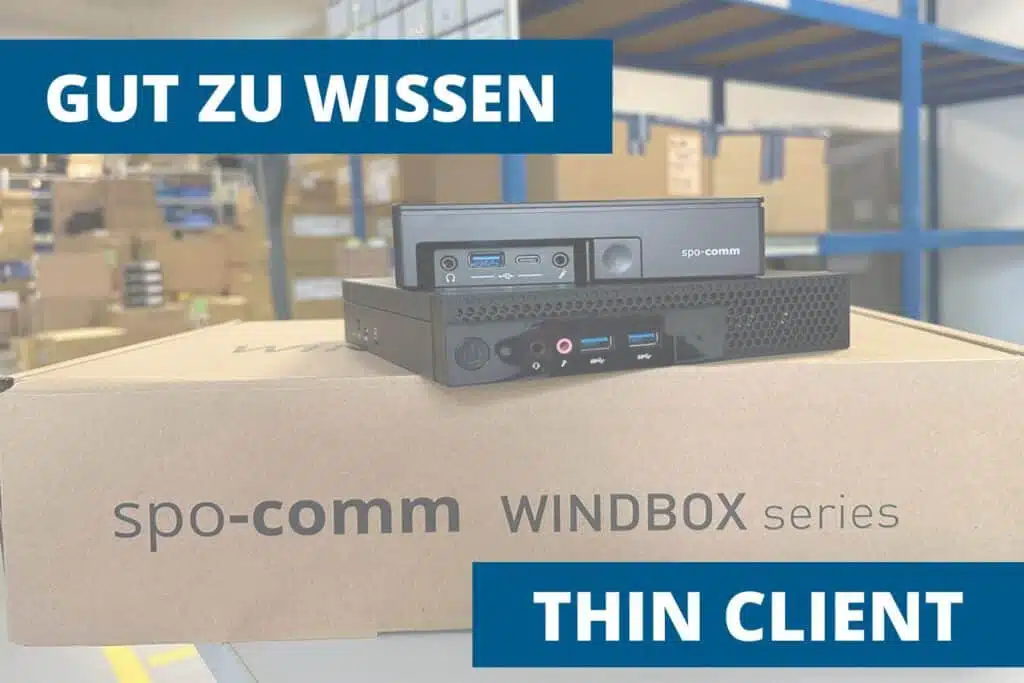
In many companies, working with centralized IT environments is becoming increasingly important. A thin client is a slim end device that only has limited computing and storage resources and instead accesses the computing power, applications and data of central servers or cloud services. They are therefore the counterpart to the classic desktop PC (also known as a "fat client"): The actual work runs on servers, while the thin client provides input, output and peripheral connections.
Technically, a thin client typically consists of a CPU, some RAM, minimal local memory (often flash) and connections for screen, keyboard, mouse and network. When started, the device connects to a terminal or Virtual Desktop Infrastructure (VDI) server via a network (LAN or Internet). Desktop sessions, applications or virtual machines are executed there. The server renders screen content and sends it to the thin client via special protocols - e.g. Microsoft RDP, PCoIP or HDX; user input is sent back to the server. This places the computing load on central systems, not on the end device. More information on this can be found in an article from fortinet.com.
Security:
data is centralized on servers and not scattered on local hard drives. Security policies, backups and endpoint controls can be enforced centrally - a major advantage, especially for regulated industries.
Simple administration:
Software updates, patches and configuration changes are rolled out on the server side. This reduces support costs and enables rapid scaling.
Cost efficiency:
Lower acquisition and maintenance costs per end device; longer hardware service life due to lower utilization. Centralized servers can be utilized more efficiently.
Flexibility & mobility:
employees can find their work environment from different thin client stations or via remote connections - provided they have a network connection.
Energy consumption & environment:
They usually require less power than fully equipped PCs, which reduces operating costs and improves the carbon footprint.
Thin clients are particularly suitable for environments with standardized workstations, central data storage and high administration requirements:
Office workstations / call centers:
Standardized working environments with high administrative and security requirements.
Public institutions & schools:
Lower investment costs and easier patch management make thin clients attractive.
Healthcare & Laboratory:
Central storage of sensitive patient and research data reduces risks.
Digital signage & kiosks:
The devices control screens, info points or kiosk systems reliably and in a space-saving manner.
Industrial / manufacturing (edge/control rooms):
They are also used here if user interfaces are to be operated or monitored centrally. Here, particular attention should be paid to robust devices and reliable networks.
Thin clients are not ideal for every task. Graphics-intensive applications (CAD, 3D rendering, complex video processing) often require dedicated local GPU power or special server GPU setups (GPU passthrough, vGPU), otherwise performance suffers. In addition, availability is heavily dependent on network quality and server infrastructure: without a stable connection, thin clients can hardly be used. Licensing conditions for some software also do not always permit operation in virtualized environments - this can result in additional costs.
...a modern, secure and often cost-efficient solution for companies with standardized IT workstations and a focus on central administration. Properly planned and with the right server and network architecture, they offer advantages in terms of security, administration and operating costs - there are limitations, especially for graphics-intensive or offline-critical applications. Thin clients are therefore a convincing option for many use cases (office, digital signage, public facilities, industrial control rooms).
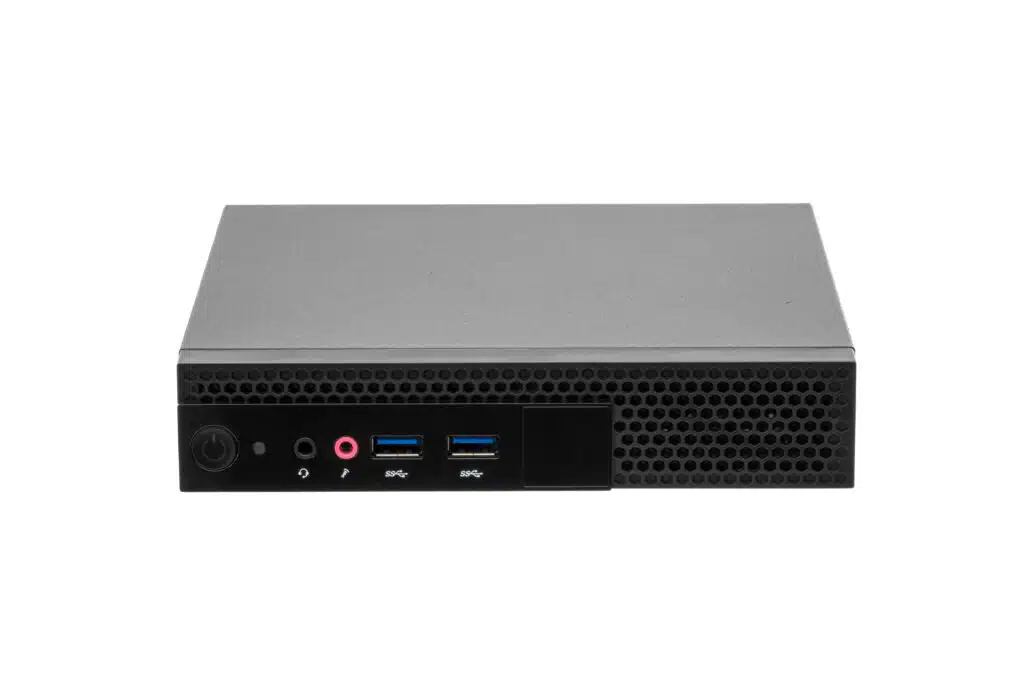
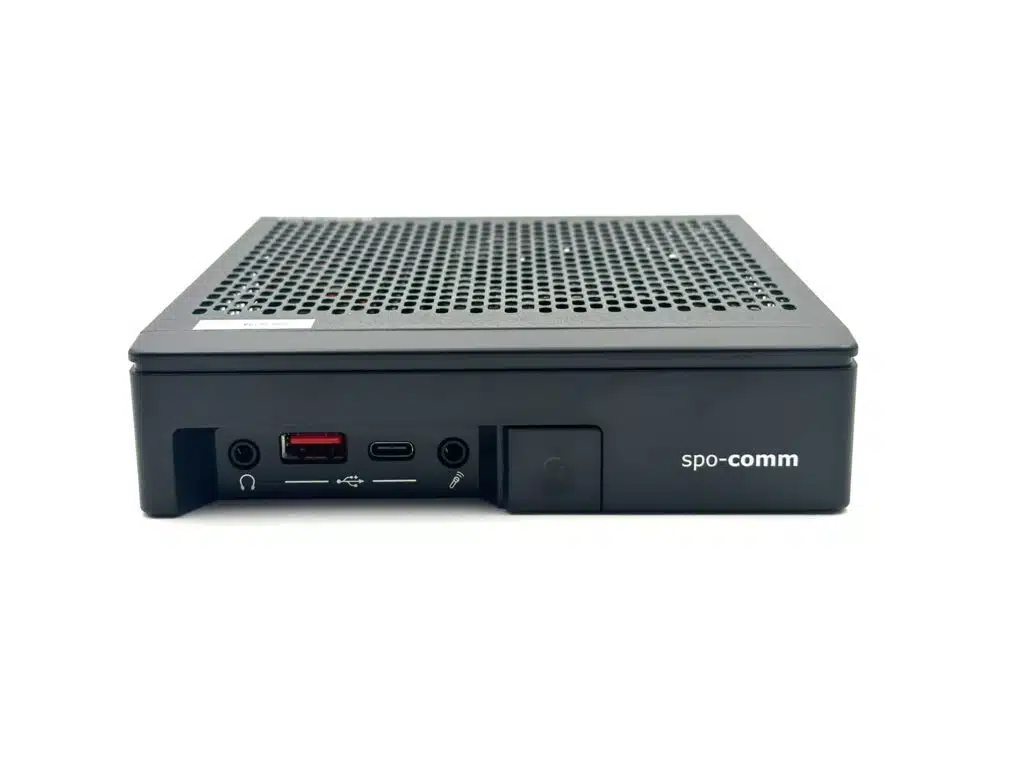
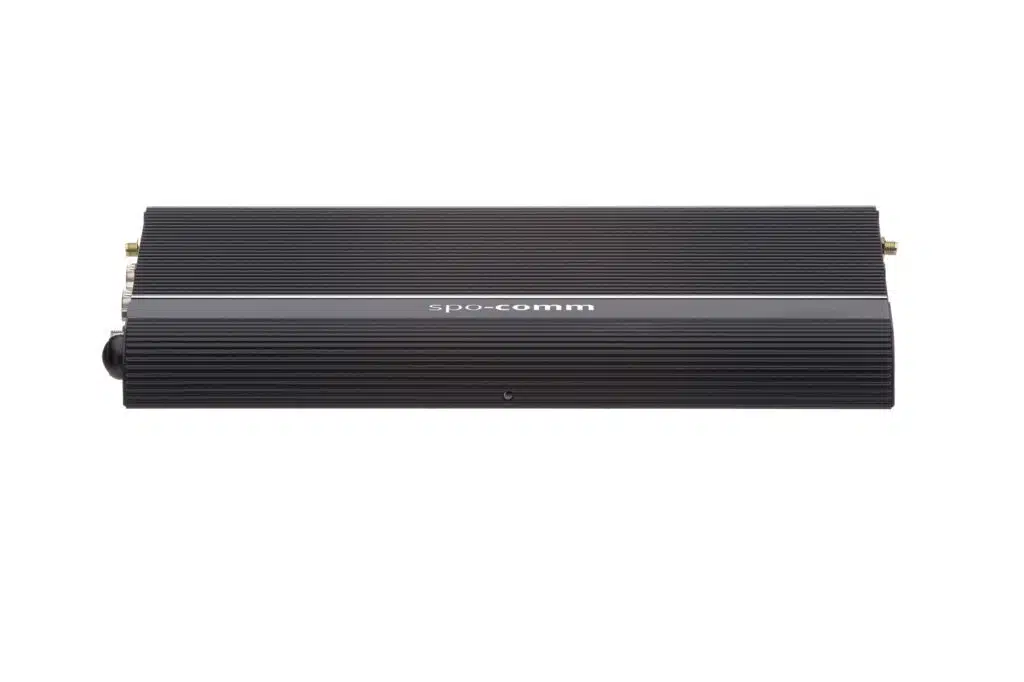
Our new addition, the ONE H610, is ideal as a thin client, as are the CORE 3 and our new addition, the CORE 5 Ultra! Not forgetting the WINDBOX III Ultra.
In the world of displays, we constantly come across terms such as HD, Full HD or 4K. They sound tech...
Edge AI is the combination of artificial intelligence and local data processing directly at the poin...
This was our start to the new year: the current memory and CPU situation continues to have a major i...
You need to load content from reCAPTCHA to submit the form. Please note that doing so will share data with third-party providers.
More Information